

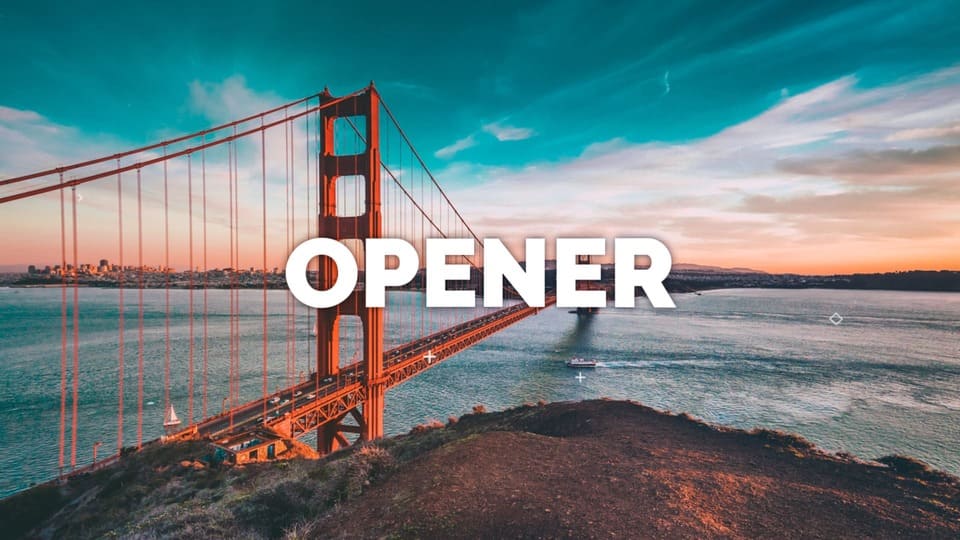
This free DaVinci Resolve opener template is a fast and dynamic project designed to create engaging video intros, presentations, and YouTube promotional videos. Featuring 11 media placeholders and 11 editable text layers, it is the perfect minimalist DaVinci Resolve opener to wow your audience. Compatible with DaVinci Resolve 15 and newer, this free DaVinci Resolve opener requires no third-party plugins. You can get this davinci resolve opener templates free download right now to instantly upgrade your video workflow. Simply drag and drop your footage, adjust the colors in the Inspector Panel, and render.
Technical Specifications & Features
These DaVinci Resolve openers video templates provide everything you need to build a professional-grade presentation quickly and efficiently.
| Feature | Specification |
| Supported Versions | DaVinci Resolve 18, 19, 20, 21 (Free & Studio) |
| Resolution | 1920X1080 (HD) |
| Frame Rates | 24 FPS |
| Capacity | 11 Video or Image Placeholders and 11 Text Holders. |
| Customization | Fully customizable fonts, colors, and sizes using the Inspector Panel. |
| Audio/Music | Free commercial-use music included via musickits.net |
| Resources | Link for free fonts and a step-by-step PDF tutorial included. |
Included Free Soundtrack & Licensing
This davinci resolve opener template free includes the energetic royalty-free track Urban Opener by Konstantin Mart, perfectly synced with dynamic stomp animations. You can freely use and monetize it in personal or commercial projects under the CC BY 3.0 license.
The only condition: You must provide attribution by leaving a link to the track in your video description.
Copy-paste attribution example:
Music: Urban Opener – Konstantin Mart (https://www.musickits.net/product/urban-opener/)
Licensed under CC-BY 3.0
Video Preview:
Watch the video below to see the dynamic transitions and typography effects included in this template.

How to Download and Install the Urban Opener
Installing your DaVinci Resolve Urban Opener is a simple 9-step process: import the .drp file, customize text and music, add your footage to 11 media placeholders, and render professional urban-style intros for YouTube, commercials, or social media.
Download & Prepare
Get your davinci resolve opener templates free download from the link below. Extract the .zip archive to a dedicated folder on your drive to ensure all linked assets and files are ready for import.
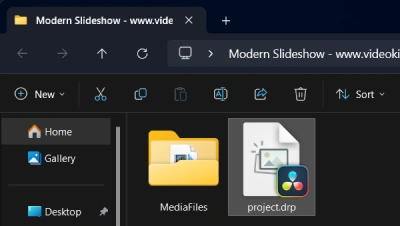
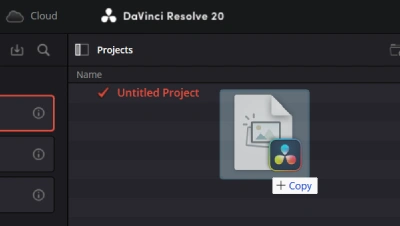
Launch DaVinci Resolve and Import the Template Project
On startup, you will see the Project Manager (use the shortcut Shift + 1). Drag and drop the .drp file directly into the Project Manager window to restore the project with all media, timelines, and effects intact.
Edit Media
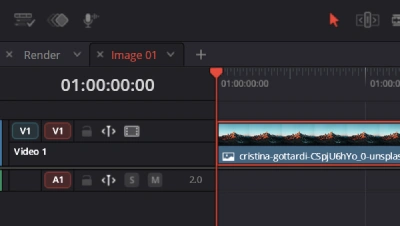
Navigate to the Media Pool and open the Images/Video timelines to add your own media files.
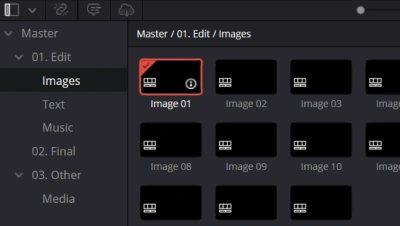
Add Media
Drag and drop your custom video footage or photos directly into the designated media placeholders.
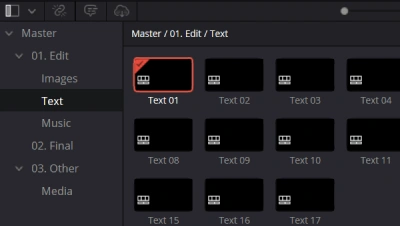
Edit Text
Locate and open the Text timelines in your project to begin modifying titles.
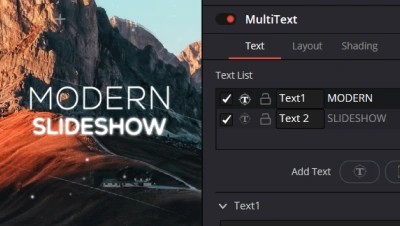
Customize Text
Select the title clip and use the Inspector Panel (top right) to change fonts, colors, and tracking to match your brand style.
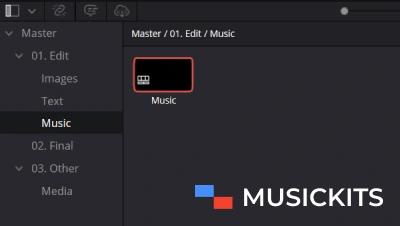
Edit Music
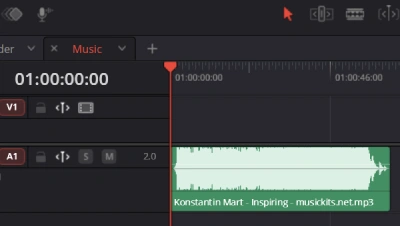
Add the free commercial-use music included with the project from musickits.net and open the Music timeline.
Add Music
Drag and drop the downloaded audio track directly into the timeline to sync with your video.
Final Render
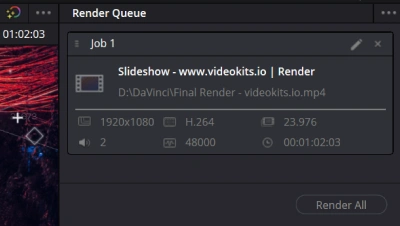
Once your edit is complete, switch to the Render timeline. Go to the Deliver Page, choose your preferred export settings, and hit “Render”.
Frequently Asked Questions (FAQ)
Are these DaVinci Resolve opener templates free for commercial use?
Yes, you can use this template for personal projects, YouTube events, commercials, and promotional videos.
Do I need the Studio version of DaVinci Resolve?
No. This template is fully compatible with the free version of DaVinci Resolve 18 and above.
Are the images and videos from the preview included?
No, the media used in the preview video is for demonstration purposes only. You will need to insert your own photos or videos into the 11 media placeholders.
There are no reviews yet.