

Download Free DaVinci Resolve Templates & Transitions
Here you can find and download free DaVinci Resolve templates, including transitions, logo reveals, slideshows, openers, and intros.
Discover free project files
These files are fully compatible with DaVinci Resolve 19, 20, 21, and newer updates, including the free version of the software. Setting up the templates is a straightforward process, and each download includes clear text or video instructions to guide you through the installation. Whether you are editing a vlog, a slideshow, or social media content, these templates make it easier to build your video without starting from scratch.





Choose the Right DaVinci Resolve Transitions Pack for Your Workflow
From basic editing to advanced motion design — find your ideal pack

Free Smooth Transitions Pack
Free Pack — Perfect for getting started
- Total Effects: 10 Presets (8 Slides, 2 Zooms)
- Categories: 2 Basic Categories
- Advanced Effects: Motion Blur
- Animation Control: Speed, Offset, Target Pivot
- Resolution Support: Up to 8K (Auto-adapts)
- Compatibility: Free & Studio Versions
- License: Personal & Commercial Use
- Installation: Drag & Drop
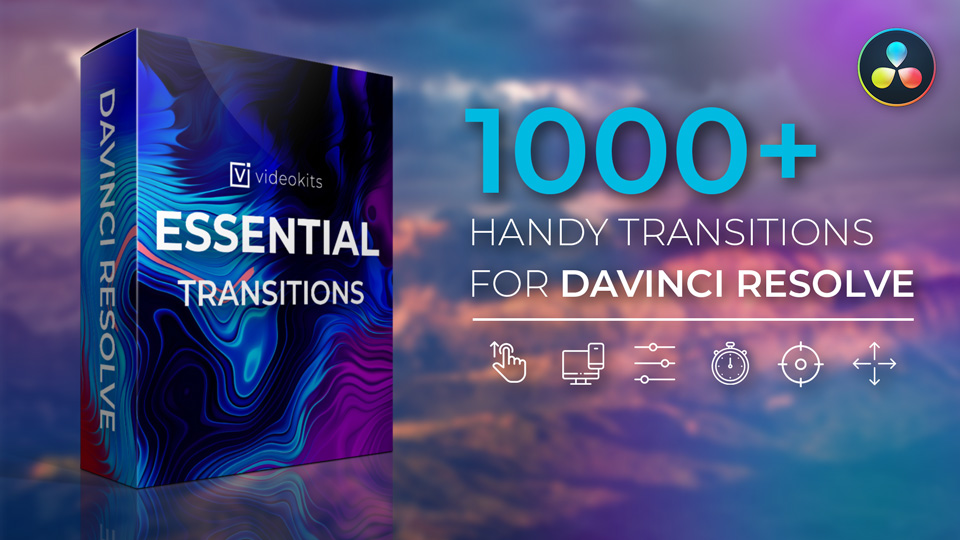
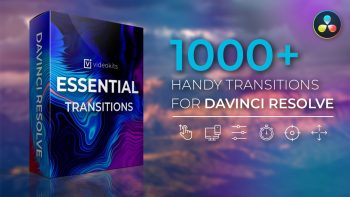
Essential Transitions Pack (Pro)
1000+ Professional Effects for serious creators
- Total Effects: 1,000+ Unique Combinations
- Categories: 23 Organized Categories (Warp Zoom, Spin, Light Leaks, etc.)
- Advanced Effects: Motion Blur, Glow, Shake, Chromatic Aberration, Hue, etc.
- Animation Control: Full Custom Curve, Rotation, Offset, Target Pivot & Timing Control
- Resolution Support: Up to 8K (Auto-adapts)
- Compatibility: Free & Studio Versions
- License: Personal & Commercial Use
- Installation: Drag & Drop
Why Choose Videokits for Your Video Editing?
We don’t just make templates; we engineer them. Our DaVinci Resolve free templates are built to match industry standards, ensuring crisp graphics and seamless playback.
Enjoy safe browsing with our SSL-secured site. Premium checkouts are handled via trusted gateways like Paddle (Credit Card & PayPal).
You don’t need to be a Fusion expert. Every download includes a step-by-step video tutorial to get your template running in minutes.
You don’t need DaVinci Resolve Studio. Our templates work flawlessly on the free version of DaVinci Resolve (v18+).
How to Install and Use DaVinci Resolve Templates?
Our templates are designed for a seamless “Drag & Drop” experience — customize titles and media without advanced Fusion knowledge.
Download & Prepare
Download your chosen project from the Videokits Library. Extract the .zip archive to a dedicated folder on your drive to ensure all linked assets and .setting files are ready for import.
Launch DaVinci Resolve
On startup, you will see the Project Manager. If it doesn’t appear, use the keyboard shortcut Shift + 1 to open it instantly.
Import the Template Project
Drag and drop the .drp file directly into the Project Manager window. The project will be restored with all media, timelines, and effects intact — ready for editing.
Customize Media & Text (Edit Page)
For Video/Images: Open the Images/Video timelines in the Media Pool and drag your footage into the designated placeholders.
For Text: Open the Text timelines. Select the title clip and use the Inspector Panel (top right) to change fonts, colors, and tracking to match your brand.
Add Music & Audio Effects
Add the free commercial-use music included with the project from musickits.net. Open the Music timeline and drag and drop the audio track into it.
Final Render
Once your edit is complete, switch to the Render timeline. Go to the Deliver Page, choose your preferred export settings, and hit “Render”. Your professional video is ready for YouTube, TikTok, or client delivery.
Frequently Asked Questions (FAQ)
Are these DaVinci Resolve templates free for commercial use?
Yes, all items labeled as free on Videokits can be used in both personal and commercial projects, including YouTube monetization and client work.
Do I need DaVinci Resolve Studio (Paid version) to use them?
No. Most of our DaVinci Resolve templates free and premium files are fully compatible with the free version of DaVinci Resolve (version 17 and above).
How often do you release new free templates?
We regularly update our library. Subscribe to our newsletter to get notified whenever a new free DaVinci Resolve templates download becomes available.
Knowledge Base
Latest Tips, Tutorials, and Industry Insights

Blackmagic Design Congratulates 2021 Oscar Nominated Films
The popularity of DaVinci Resolve is growing very quickly, program turns into a professional tool. You can get acquainted with...
Release of DaVinci Resolve Studio 17.4.3
A new version of Davinci Resolve has been released in which a large number of errors have been fixed. In...
New DaVinci Resolve 17
DaVinci Resolve is the world’s only solution that combines editing, color correction, visual effects, motion graphics and audio post production...


Watch Tutorials & Tips
Subscribe to our channel to be the first to get new free transition packs, templates, and exclusive DaVinci Resolve tutorials.
Subscribe to Channel